Library search
Find saved cards by address or registry number. The library holds the records saved on this Windows account.
Water service tie-card records
UtiliFolio is a Windows application for water departments that keep service tie cards. Enter the ties you measured, attach photos, adjust a schematic sketch, and save the card in the established front-and-back format, on one laptop, without an internet connection.
Windows preview 0.3.0 The installed app window is still titled “UtiliVault” while the product name changes. This site does not offer downloads.
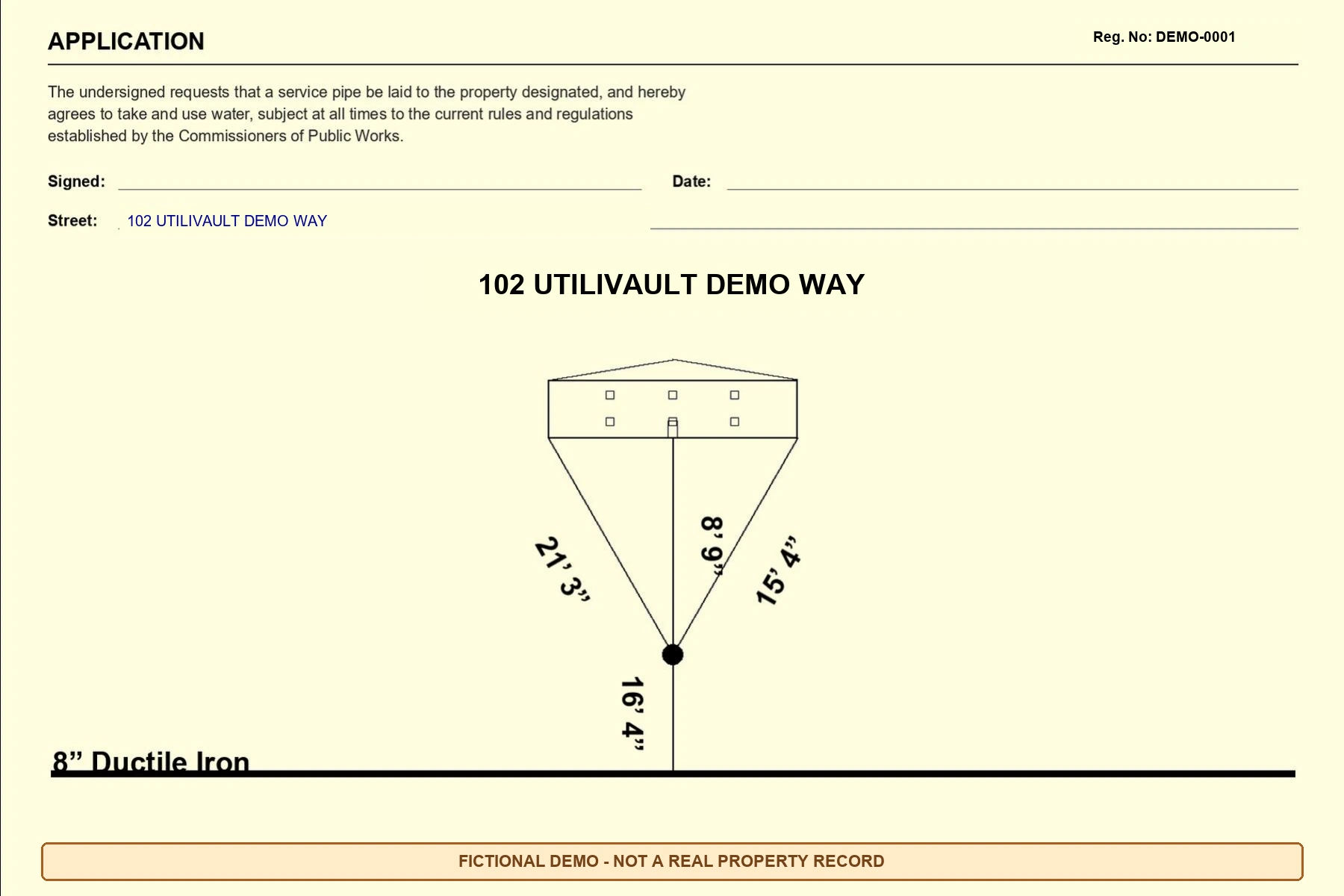
Workflow
The library, the entry form and the card preview sit side by side, so the record and the drawing are checked together.
Search the local library by address or registry number, open an existing card, or start a new one.
Fill grouped fields for the record, tie measurements, main, service and notes. Choose standard sizes and materials from lists, or type a custom value.
Keep the annotated measurement photo with the record for checking, and attach the clean property photo used on the digital card.
Choose one of 23 schematic house-family presets, then adjust its geometry to suit the sketch.
Move the connected curb stop, house entry and main points, and place each named measurement label where it reads clearly.
Preview front and back, check the revision history, then save a printable or digital TIFF with Windows' own Save dialog.
Features
Everything in this section ships in Windows preview 0.3.0 and works offline.
Fields are grouped the way a tie card is read. Size and material fields offer standard choices, plus “Not recorded” and “Custom value” for anything the list does not cover, such as an old material description copied from the original card.
| Group | Fields |
|---|---|
| Record | Address, registry number, date, signed by (back of card), contractor, inspector |
| Tie measurements | Left tie, right tie, main to curb, curb to house |
| Main | Main size, main material, optional main line label override |
| Service | Service material main to curb, service material curb to house, service diameter |
| Reference and notes | Reference label, reference number, comments |
Every list also includes “Unknown”. Choosing “Custom value” opens a text box.
Find saved cards by address or registry number. The library holds the records saved on this Windows account.
The measurement reference photo stays with the record for checking and is never printed. The property photo becomes page 3 of the digital TIFF only.
You enter who signed the back of the card. It is never filled in from the inspector field. The record date fills the existing date line, and the main label is written from main size and material unless you type your own.
House presets
These previews come straight from the app’s house renderer. They are based on house families common in Framingham, Massachusetts, including Campanelli-type L-ranches, Capes and Colonials.
Schematic, not surveyed. A preset is an architectural reference symbol. It is not a model of a particular address or a measured property survey. Its geometry can be edited on each card.
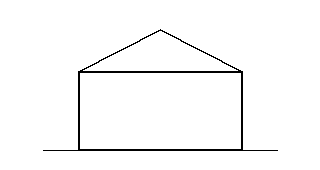
Established simple house symbol.
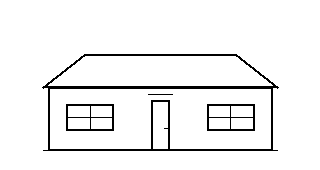
Low single-story frontage and broad roof.
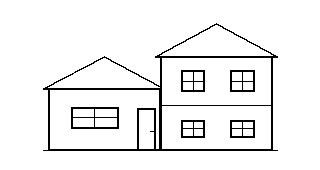
Offset roof heights and staggered window rows.
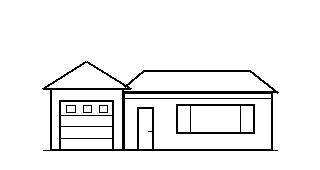
L-shaped ranch family with a projecting left garage, low roof, and picture window.
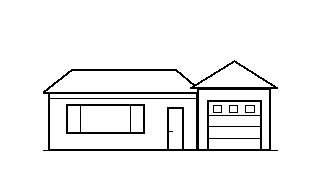
L-shaped ranch family with a projecting right garage, low roof, and picture window.
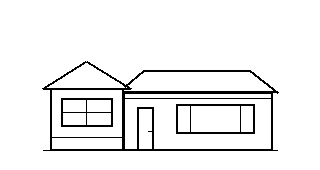
General altered-ranch variant with windows replacing the left garage opening.
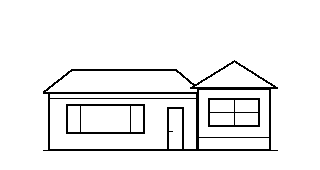
General altered-ranch variant with windows replacing the right garage opening.
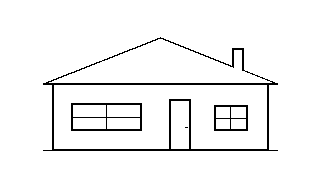
Single-story frontage with an end-gable roof and broad living-room window.
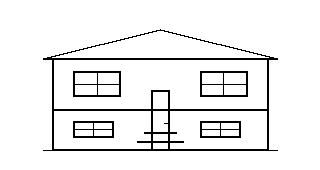
General variant with upper living windows, lower-level windows, and a split-entry stair.
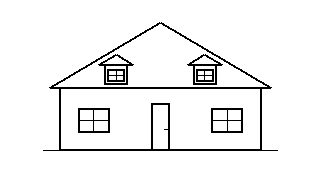
Steep roof with two dormers and a centered entry.
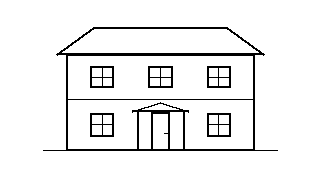
Two-story frontage with a centered entry and porch.
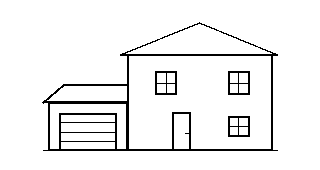
Two-story frontage with an attached left garage.
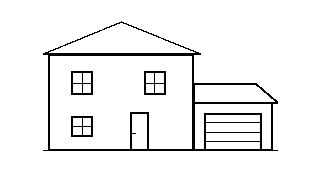
Two-story frontage with an attached right garage.
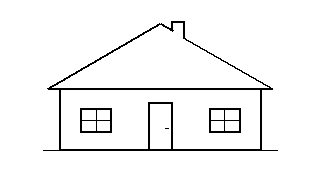
Compact steep-roof Cape with a centered door and no dormers.
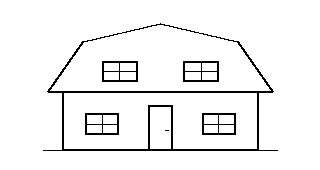
Two-slope gambrel roof, broad eaves, and a centered entry.
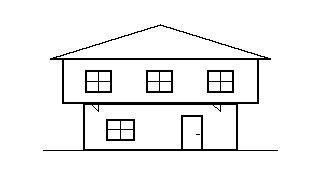
General Colonial variant with an overhanging upper story and supporting brackets.
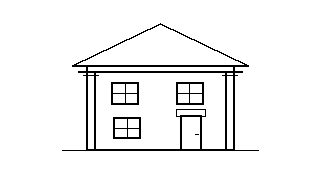
Front-facing pediment, corner pilasters, and a side entry.
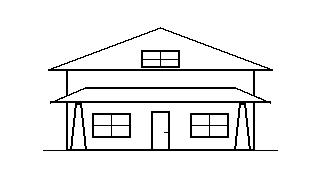
Low broad gable with a full-width porch and tapered square posts.
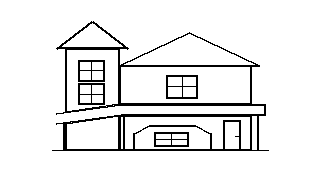
Asymmetric tower, steep gable, projecting bay, and wraparound-style porch.
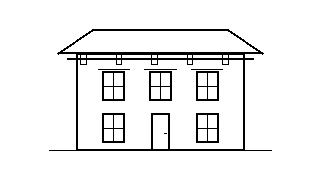
Low hipped roof, paired cornice brackets, and tall narrow windows.
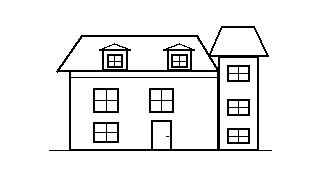
Mansard roof with dormer windows, corner turret, and a recessed entry.
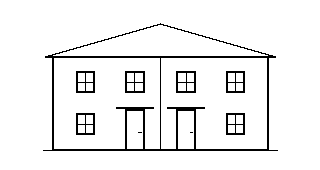
Paired entries and mirrored frontages.
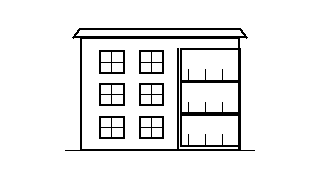
General multifamily variant with three window rows and stacked front porches.
Sketch editing
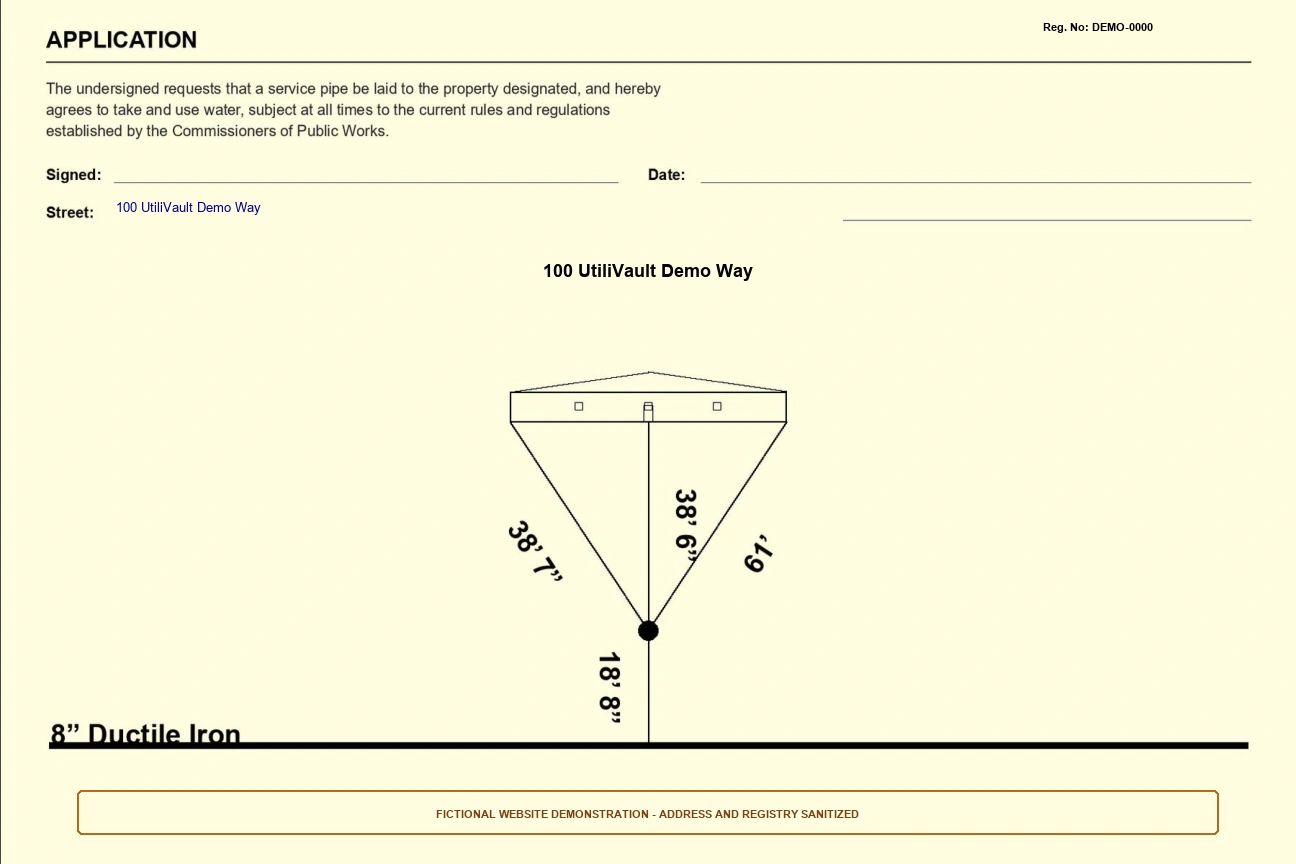
The curb stop, house entry and main connection are linked. Move one and its attached lines follow, so the sketch stays connected.
Each label is named, so two identical distances can be told apart. Pick a label from the Move measurement text list or drag it, then use arrow keys or the movement buttons to fine-tune. Undo steps back; Reset returns a label to its default place.
Placement only. Dragging points or labels changes where things are drawn. It does not measure or recalculate lengths. The numbers on the card are always the ones you entered.
Try it here
A small, simulated version of the label controls, using the fictional values from card A below.
Simulated example. Runs only in this page. It does not open, save, render or upload records, and refreshing the page resets it.
Choose a label, then use the direction buttons. With a mouse, pen or touch you can also drag a label on the sketch.
| Measurement | Recorded value | Text offset |
|---|---|---|
| Left tie | 38′ 7″ | original position |
| Right tie | 61′ | original position |
| Curb to house | 38′ 6″ | original position |
| Main to curb | 18′ 8″ | original position |
No labels moved yet. Recorded values never change when text moves, in this demonstration or in the app.
Outputs
Preview the front, the back tie sketch and the property photo before saving. Each saved change is kept in the record’s history, and any earlier version can be restored as a new version.
2 pages
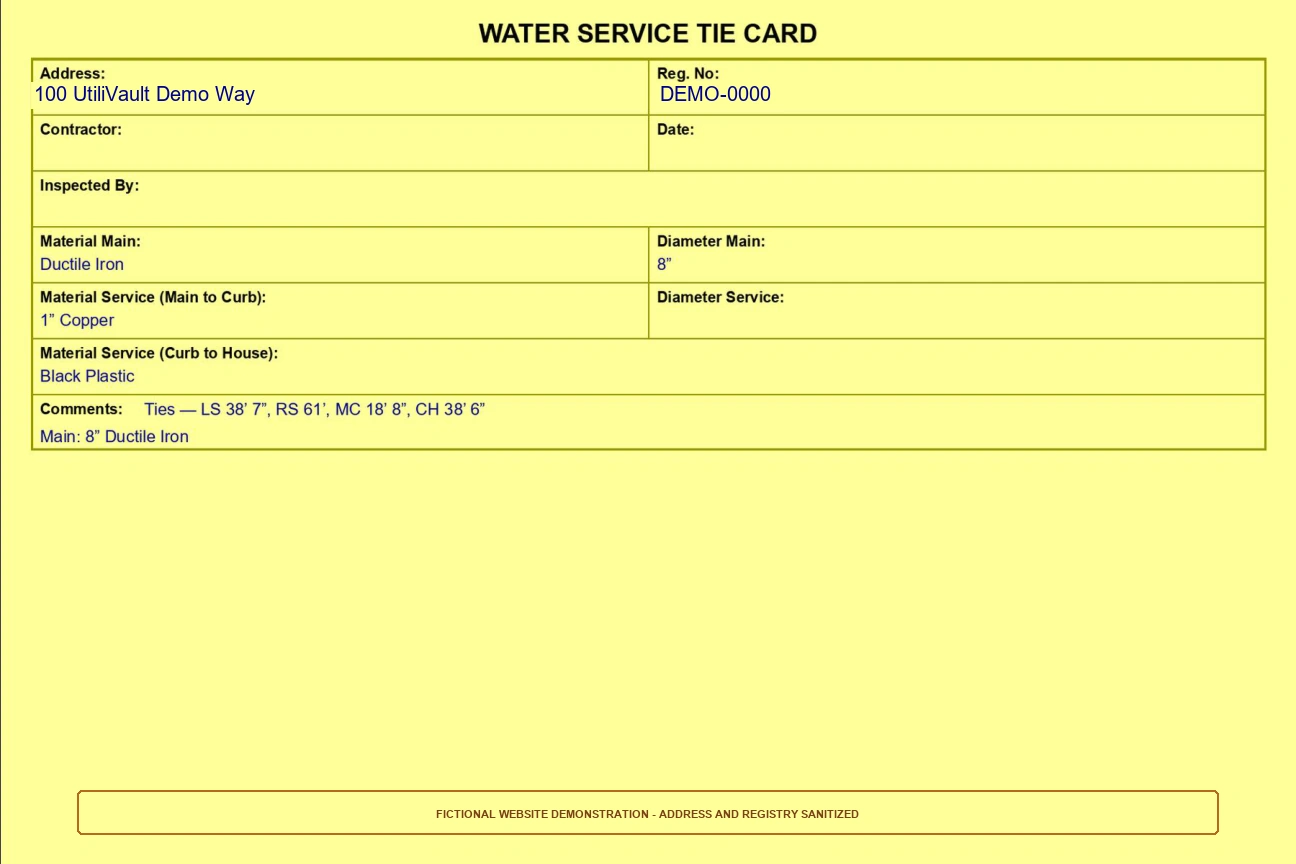
Front record and back tie sketch. No property photo. LZW compressed at 300 DPI.
3 pages
Front, back, and the clean property photo as page 3. LZW compressed at 300 DPI.
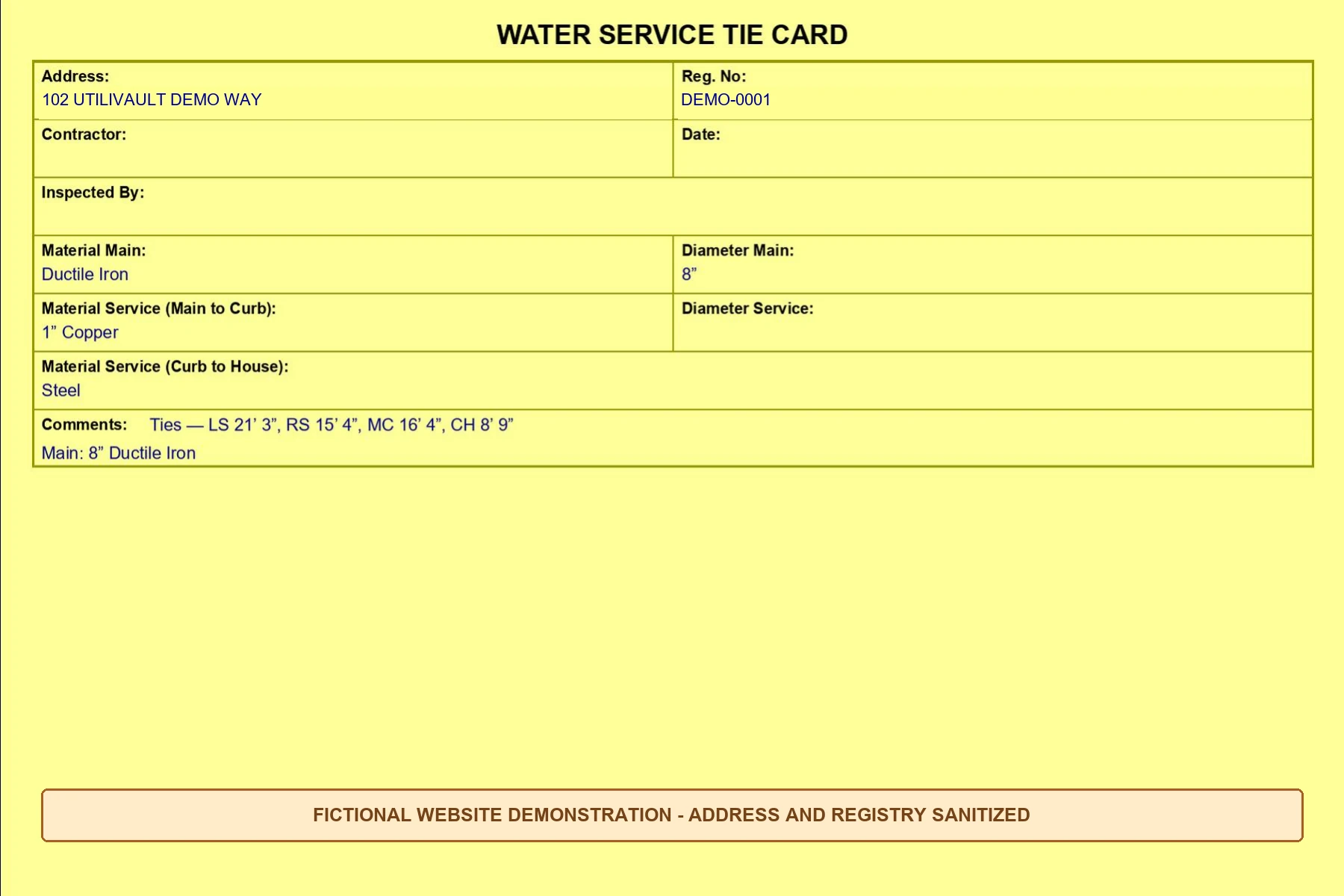
Saved with the Windows Save dialog (Downloads by default). The examples below are web copies of real renderer output with fictional addresses; their original text is unchanged.
Records and backups
In a records folder inside the app’s per-user data folder. Storage details shows the path and Open records folder opens it.
Close the app, then copy the whole records folder somewhere safe. TIFF files are finished outputs; the records folder also keeps photos, editable fields and history.
If the local workspace stops, Restart local workspace brings it back. Updates keep the records folder. Save edits before closing; unsaved drafts may not survive a restart.
Status
We would rather you know exactly what exists than be surprised during a pilot.
| Capability | Status | Notes |
|---|---|---|
| Offline Windows app with included local backend | Shipped in the Windows preview | Windows preview 0.3.0. No internet, home PC, Python, AI model or Tailscale needed for local use. |
| Library search by address or registry number | Shipped in the Windows preview | Searches records saved on this Windows account. |
| Grouped measurement entry with standard dropdowns and custom values | Shipped in the Windows preview | Sizes and materials listed above, plus “Not recorded” and “Custom value”. |
| Separate measurement photo and property photo | Shipped in the Windows preview | Measurement photo stays with the record; property photo is page 3 of the digital TIFF. |
| 23 schematic Framingham-area house-family presets | Shipped in the Windows preview | Editable geometry. Schematic references, not property surveys. |
| Connected curb stop, house entry and main points | Shipped in the Windows preview | Attached lines follow when a point moves. |
| Named measurement labels: drag, keyboard nudge, undo, reset | Shipped in the Windows preview | Moving text never changes recorded lengths. |
| Explicit signer and date; automatic main label | Shipped in the Windows preview | Main label comes from size and material unless you type an override. |
| Front/back preview, revision history and restore | Shipped in the Windows preview | Restoring saves the earlier version as a new version. |
| Native Save dialog: printable and digital TIFF | Shipped in the Windows preview | 2-page printable and 3-page digital, LZW compressed, 300 DPI. |
| Local records folder, backups guidance, Storage details menu | Shipped in the Windows preview | Records live under the app's per-user data folder. |
| Online phone workspace | Separate online tool | Needs a running host computer and a connection. Uses its own records. |
| Automatic phone, laptop or Google Drive sync | Planned, not available | Not available. Libraries stay separate. |
| Offline phone submission | Planned, not available | Not available yet. |
| CADCraft and OpenForma integrations | Explored, not shipped | Feasibility work only. Not part of any release. |
A phone-friendly workspace exists as a separate online tool. It needs a running host computer and a network connection, and it keeps its own records. Nothing syncs automatically between the phone workspace, the laptop app and Google Drive. Offline phone submission is planned.
Pilots
UtiliFolio is in a preview stage. There are no published plans or prices. If your department keeps tie cards and would like to try the workflow on sample records, get in touch to discuss a pilot.